Cron job monitoring

Know when a critical job goes quiet.

Add one simple check-in call to any cron job or scheduled task. If it misses its expected window, Cronly alerts the people who can fix it.
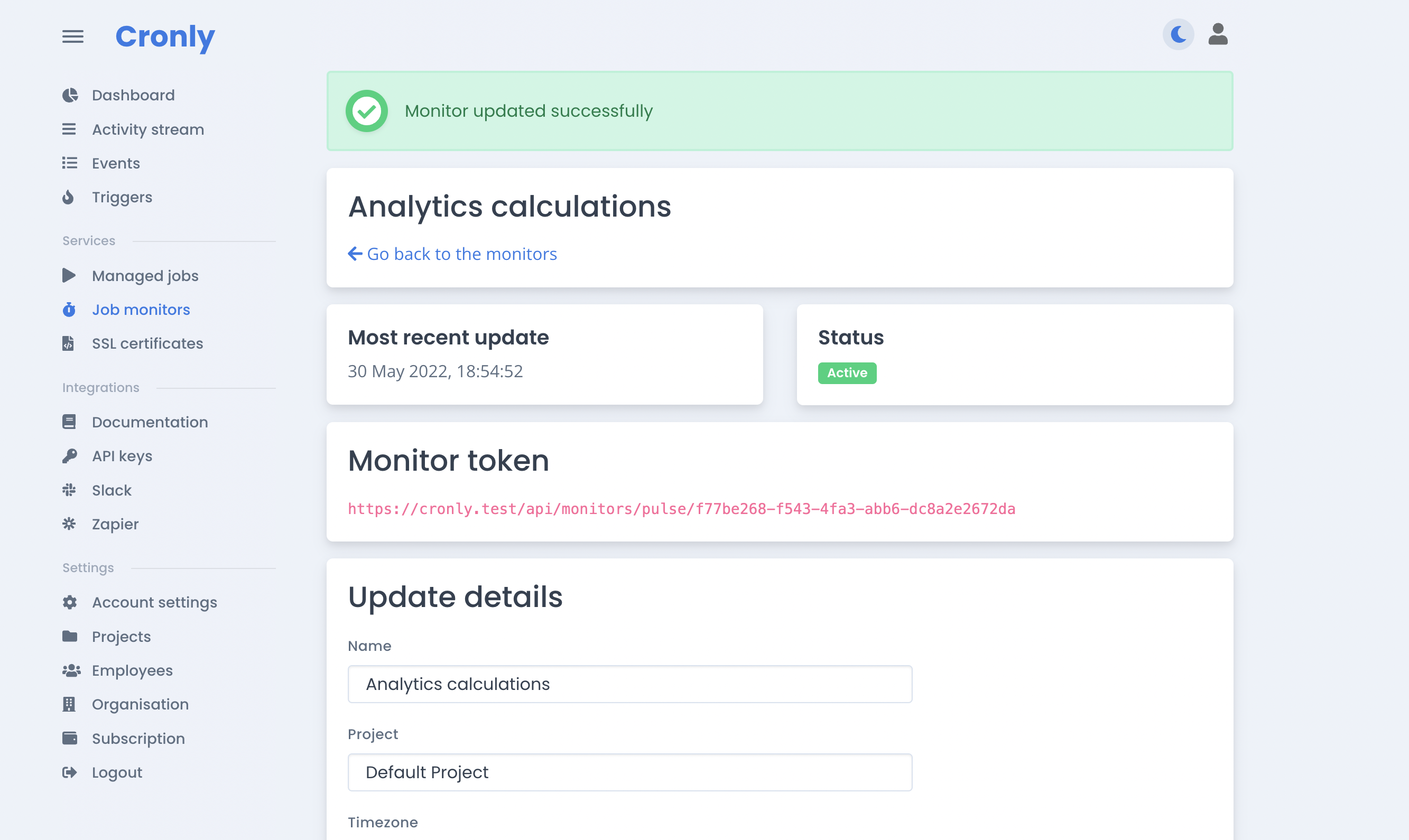
  • 10 monitors free
  • Fast setup
  • Flexible alerts
Cronly cron job monitoring dashboard

Simple by design

The signal you need, without another agent

Cronly watches for the check-in your job should send and gives you a clear status across every project.

01

Create a monitor

Tell Cronly how often the task should run and how much grace time it needs.

02

Add the check-in URL

Call the unique Cronly URL at the end of your script, command or workflow.

03

Route the alert

Notify your team through email, Slack, webhooks or the integrations you already use.

Plain answers

Cron job monitoring FAQ

The practical details behind a Cronly monitor.

What happens when my cron job fails?
If the expected check-in does not arrive, Cronly marks the monitor as failing and notifies the channels you configured.
How does Cronly monitor my application?
You add an HTTP call to the unique URL Cronly provides. A timely call confirms the job completed; a missed call triggers the failure state.
What happens when the job comes back online?
Cronly resumes normal monitoring when check-ins return, without repeatedly sending the same failure notification.
What does monitoring cost?
Your first 10 monitors are free. Additional monitors cost $1 per month, and TLS certificate monitoring remains unlimited and free.

Give every scheduled job a pulse

Start with 10 free monitors and know when your most important automation needs attention.

Start monitoring for free